Android app · 100% offline · No ads

Stop counting on fingers. Stop tripping over negative signs.

KaloMath is a calm mental math and pre-algebra trainer for primary pupils (ages 6 to 11), secondary and homeschool students (ages 12 and up), and adults. No ads, no accounts, and no internet connection.

Free without time limits: 6 core tests, individual times tables (×2 to ×12), daily practice, and 2 family profiles.

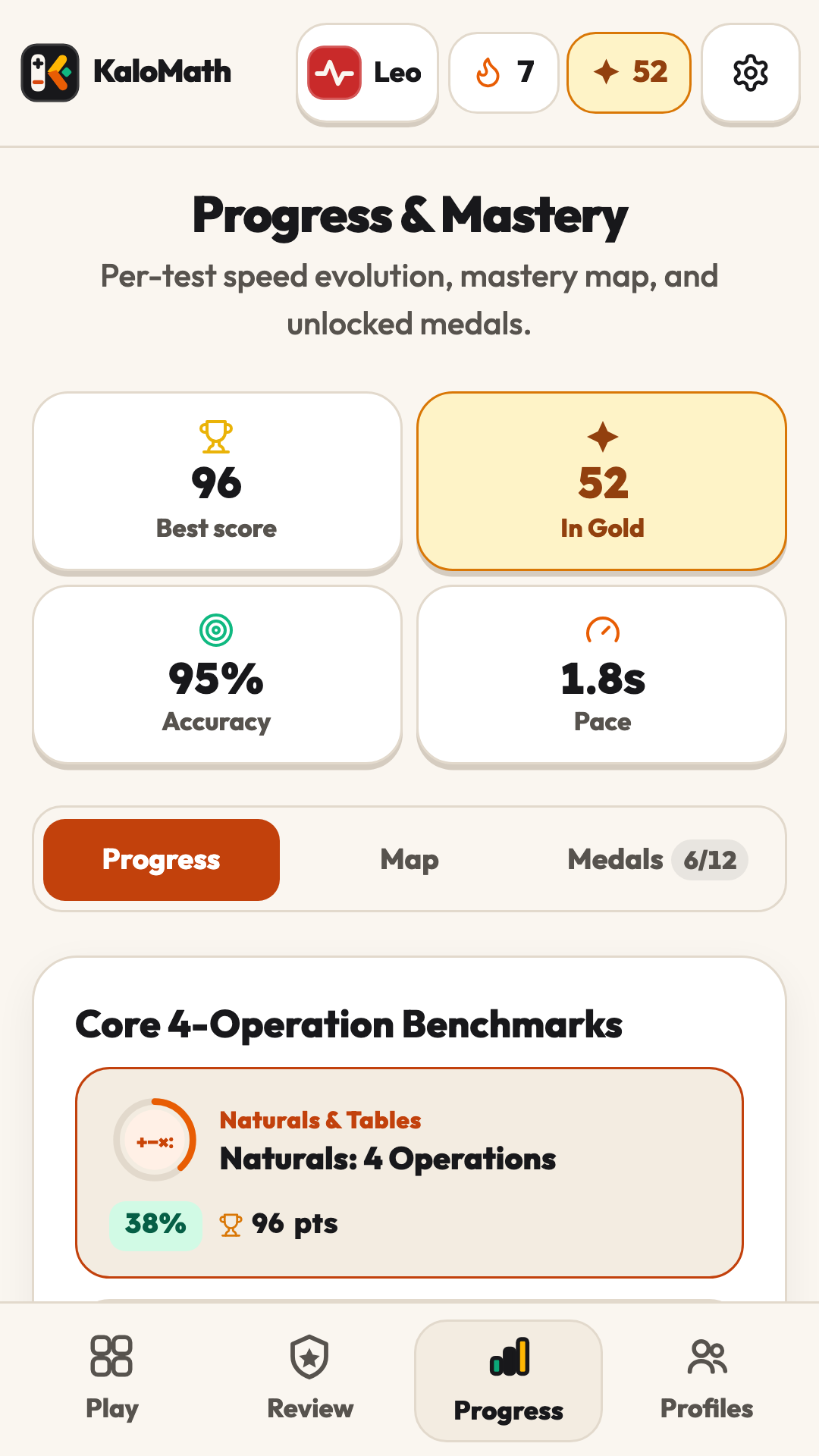
KaloMath home screen showing step-by-step multiplication and mental math modules
  • No ads and no tracking
  • Works 100% offline
  • No account or sign-up
  • 5 languages + offline voice
  • Phones and tablets (portrait & landscape)

How practice works

What happens right after a mistake makes the difference

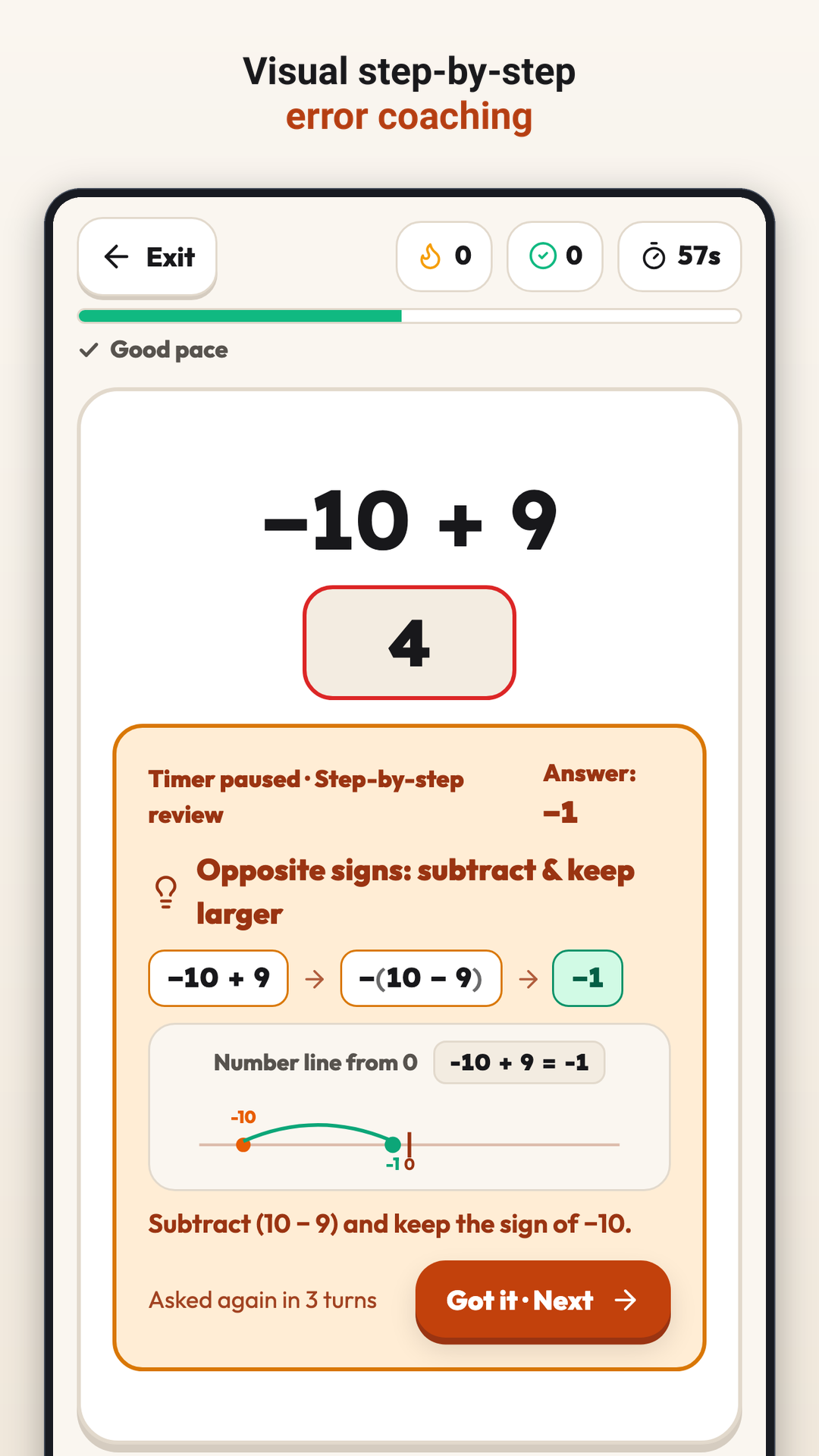
Secondary math stalls often start with hesitating on a table like 7 × 8 or misreading a double sign such as 11 − (−5) or −3². When an answer is wrong, KaloMath pauses the clock and shows the reasoning.

01 · Pause & explain

Two-step visual breakdown on every mistake

The moment an answer is wrong, the timer stops. KaloMath shows how to work it out in two clear visual steps: ten-frames for bridging ten, 5-grouped dot arrays for tables, number-line jumps for negatives, or inverse operations for equations.

x + 9 = 4 → x = 4 − 9 → x = −5
02 · Targeted review

Mistake review with structural twin questions

Missed items go into your personal My Mistakes queue. Each review session mixes 50% exact missed items with 50% twin problems (same rule, fresh numbers) so learners grasp the pattern rather than memorizing one result.

Miss 8 − 13 → Practise 8 − 13 & 6 − 11
03 · Calm or timed

Untimed Calm mode and < 2.5s fluency rounds

Start in Calm mode with no clock on screen and an optional visual scaffold button. When ready, switch to 60s or 120s rounds where the mastery map separates slow counting from automatic recall.

Calm (no clock) | 60s & 120s rounds

Practical details

Built for everyday use at home and in class

Clean screens without arcade noise, streak penalties, or data collection.

Tables one by one (×2 to ×10 or ×12)

Free single-table trainer: explore in order (1→10 or 1→12) with 5-grouped dot arrays, then practise shuffled focusing on pairs not yet mastered.

Daily mix and gentle starter check

One daily session blends pending mistakes with current-stage questions. An optional 6-question starter check includes a “Not learned yet” button that stops before negatives for younger children.

Left-handed keypad and landscape split-view

Symmetrical 4×4 keypad with one-tap left/right-handed flipping, dedicated landscape split-screen on tablets and phones, and offline spoken math readout.

Warm paper and softened night mode

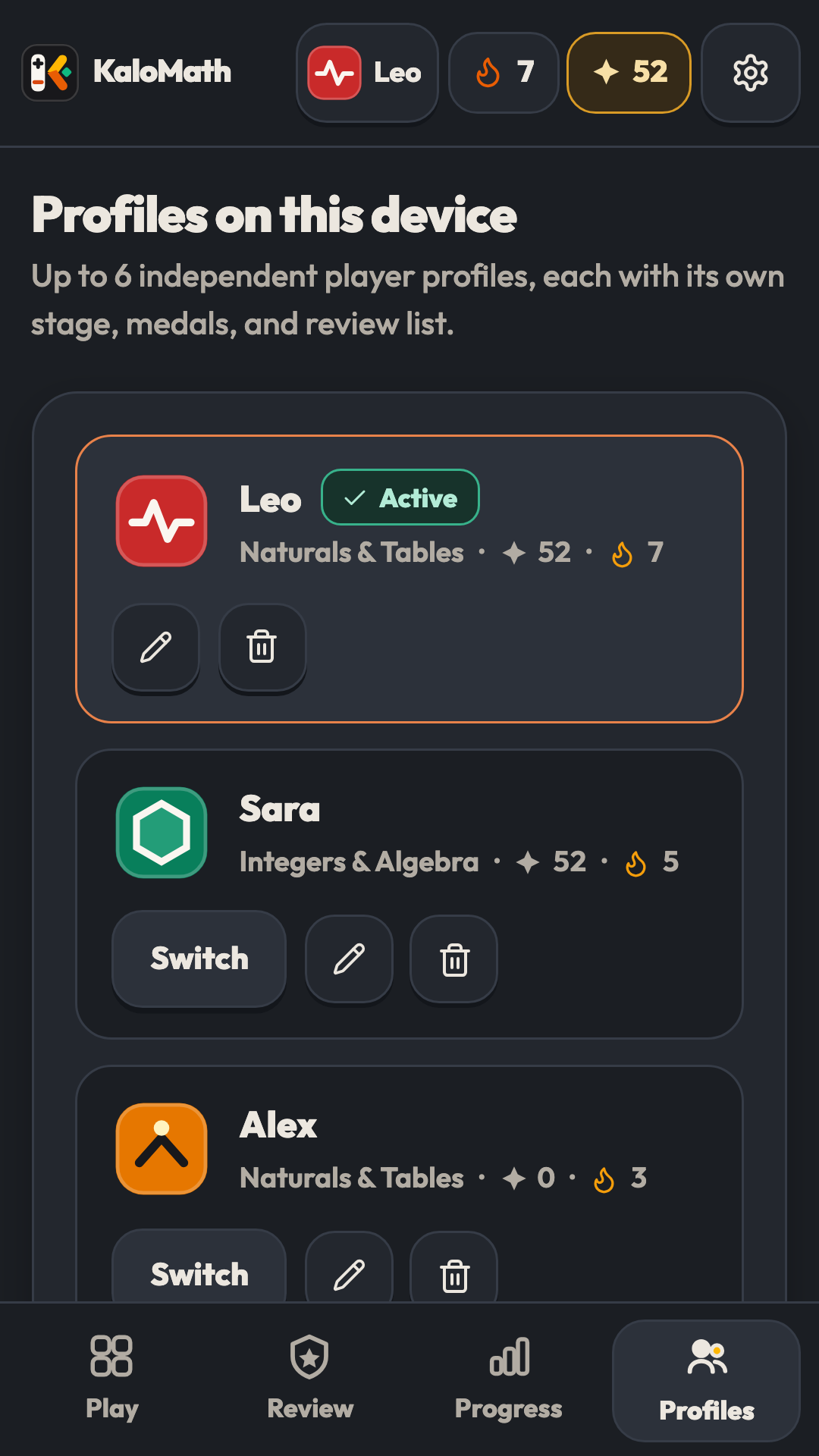
Open Lexend and Outfit numerals, color-blind-safe border styles (solid, dashed, dotted) on the mastery map, and low-glare dark mode.

Curriculum (14 modules)

Two stages from foundational tables to pre-algebra

Switch stages or switch between 10×10 and 12×12 tables anytime in Settings.

Stage 1 · Ages 6–11 (Primary / Elementary / KS2)

Naturals and times tables (7 modules)

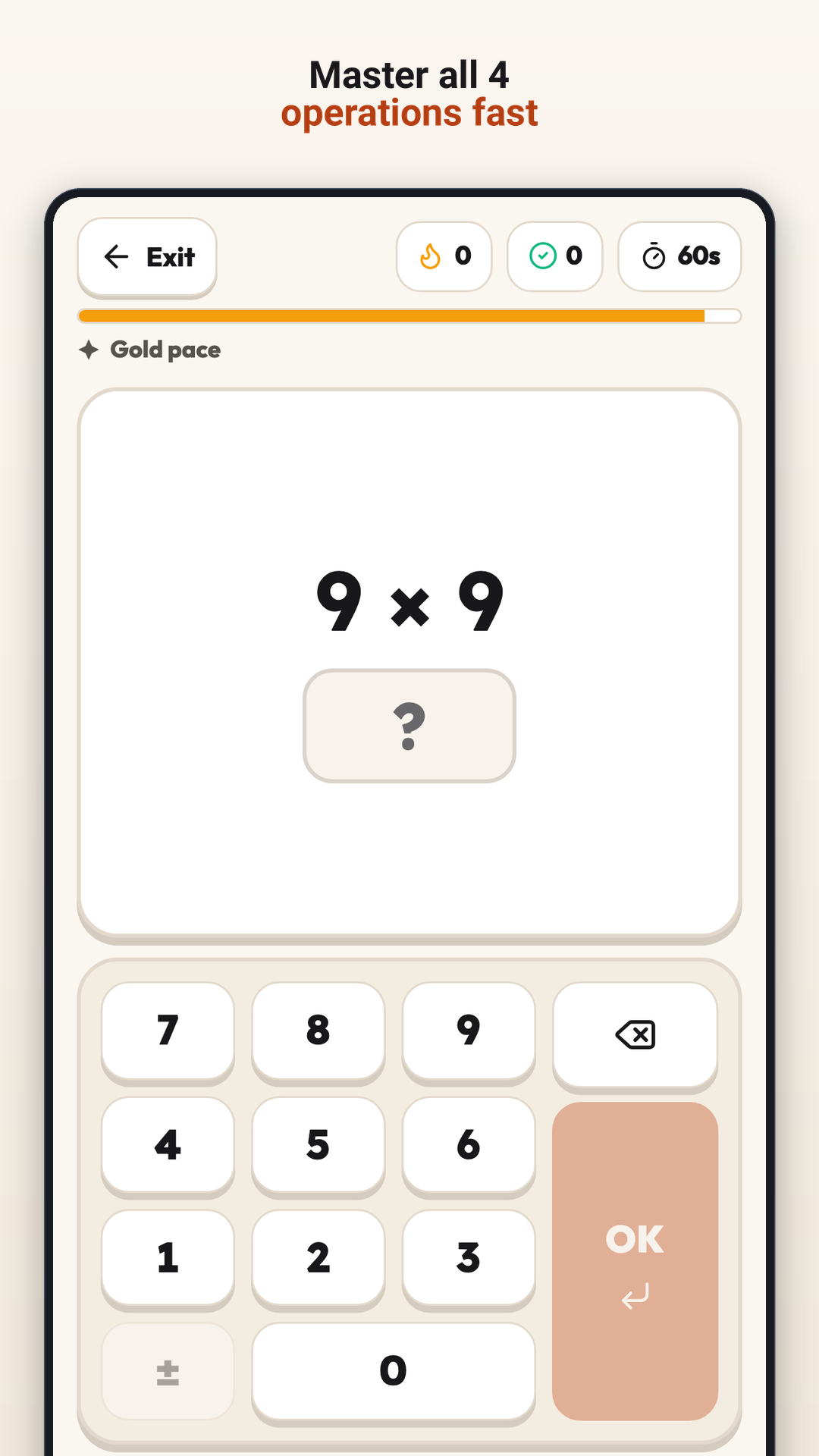
  • 4 operations with naturals (free): +, −, × and ÷ mixed in a single core test.
  • Individual tables ×2–×12 and starter tables (free): step-by-step practice on 2, 3, 4, 5, 10 and every individual table.
  • Mental addition and subtraction (free): bridging tens cleanly without counting on fingers.
  • Tricky tables (6–9), full 10×10 / 12×12 grid, exact division and brackets: inverse division facts and order of operations.
Stage 2 · Ages 12+ and adults (Secondary / Middle school / KS3)

Integers and pre-algebra (7 modules)

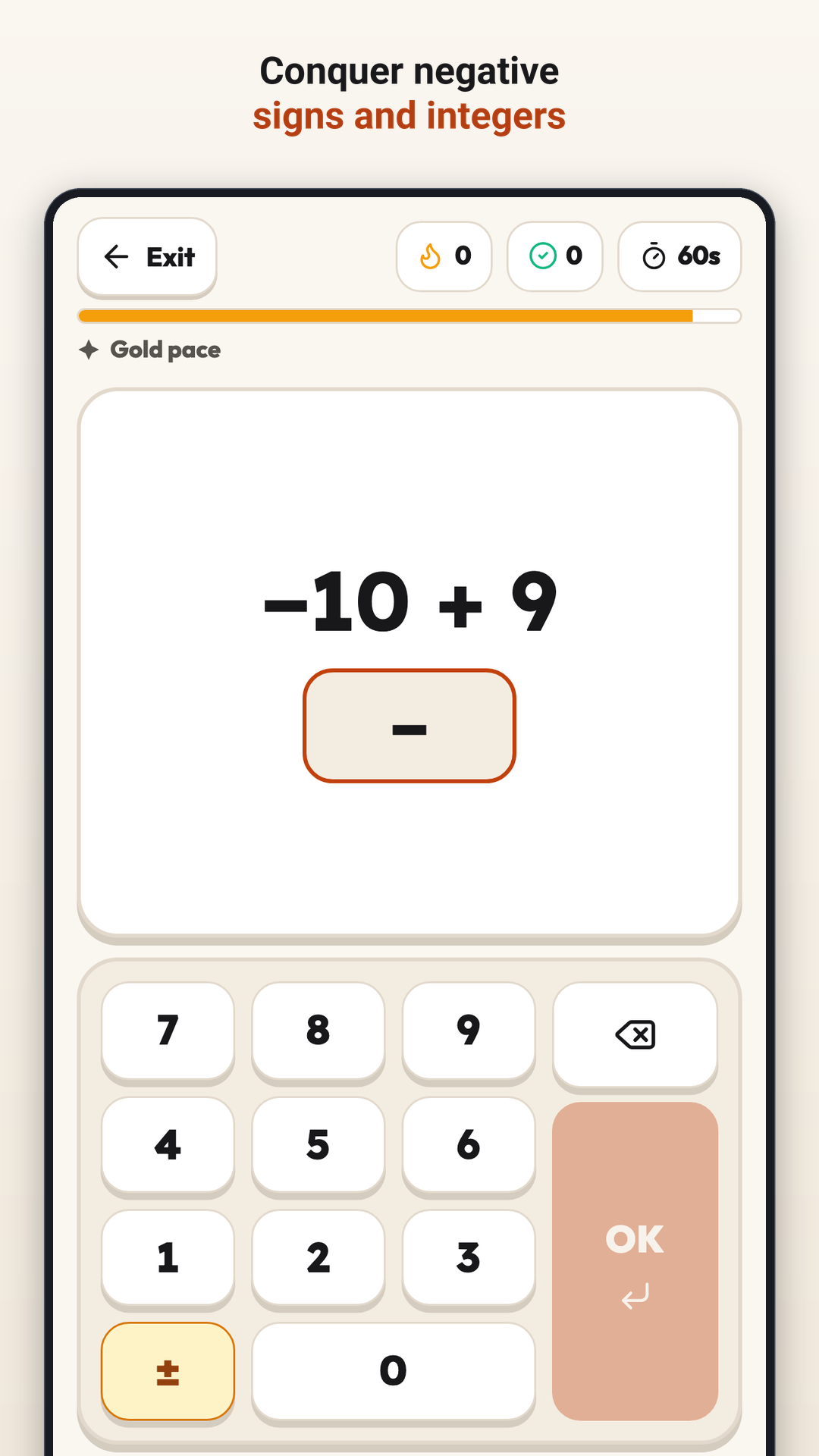
  • 4 operations with integers (free): +, −, · and : including adjacent double signs like 11 − (−5).
  • Signed add/subtract and sign rules (free): steady recall with negative sums, products, and quotients.
  • Combined integer brackets: multi-step order of operations with signed numbers.
  • Power sign traps, one-step equations and mental LCM / GCD: contrasting (−3)² vs. −3², isolating x, and factoring mentally.

App screenshots

Quiet, readable screens

Real screenshots taken directly from the Android app in warm paper and softened night themes.

Straightforward pricing

Use the core app free forever, or unlock KaloMath Plus

No login walls. Every purchase sits behind a written word-math adult check and is billed directly through Google Play.

Free forever

$0 / 0 € · No ads · No account

  • 6 core modules unlimited (including both 4-operations benchmarks)
  • Complete individual times table trainer (×2 to ×12) unlimited
  • 5-question sample round on each of the 8 specialist modules
  • 3 full welcome sessions in My Mistakes + 1 free session every Monday
  • 1 daily practice round every day and up to 2 family profiles

FAQ

Common questions from parents and teachers

Does KaloMath really have no internet access at all?

Yes. Both INTERNET and ACCESS_NETWORK_STATE permissions are removed from the Android app manifest. Progress, nicknames, and mastery maps stay locally on your phone or tablet.

How does the personalised mistake review work?

Whenever a learner misses a question (or hesitates significantly in a timed round), KaloMath adds it to My Mistakes. Review rounds mix 50% exact missed questions with 50% structurally parallel twin questions using fresh numbers.

Is it appropriate for children under 13 and neurodivergent learners?

Yes. KaloMath complies with Google Play Families, COPPA, and GDPR rules (no ads, no tracking, written adult gate), and offers untimed Calm mode, visual scaffolds, open Lexend numerals, and mute controls.

Can I switch between 10×10 and 12×12 multiplication tables?

Yes. KaloMath picks the regional default automatically (12×12 in the UK, US, Canada, and Australia; 10×10 in continental Europe and Latin America), and you can switch anytime in Settings.

Is there a one-time purchase option without a subscription?

Yes. Alongside the monthly and annual plans, KaloMath Plus includes a one-time permanent access option linked to your Google Play account with no recurring charges.

Pedagogy & perceptual design

Why KaloMath is built the way it is

Clear notes for parents, teachers, and curious learners on the cognitive research, classroom practice, and visual ergonomics behind every screen.

Try KaloMath on Android

Free core modules, no ads, no sign-up, and 100% offline from first launch.

Download on Google Play Coming soon on App Store